> For the complete documentation index, see [llms.txt](https://docs.greytrix.com/llms.txt). Markdown versions of documentation pages are available by appending `.md` to page URLs; this page is available as [Markdown](https://docs.greytrix.com/gumu-sage-crm-integration/sage-intacct/user-guide/working-with-customers/viewing-sage-intacct-data-on-company-summary-screen.md).
# Viewing Sage Intacct Data on Company Summary screen
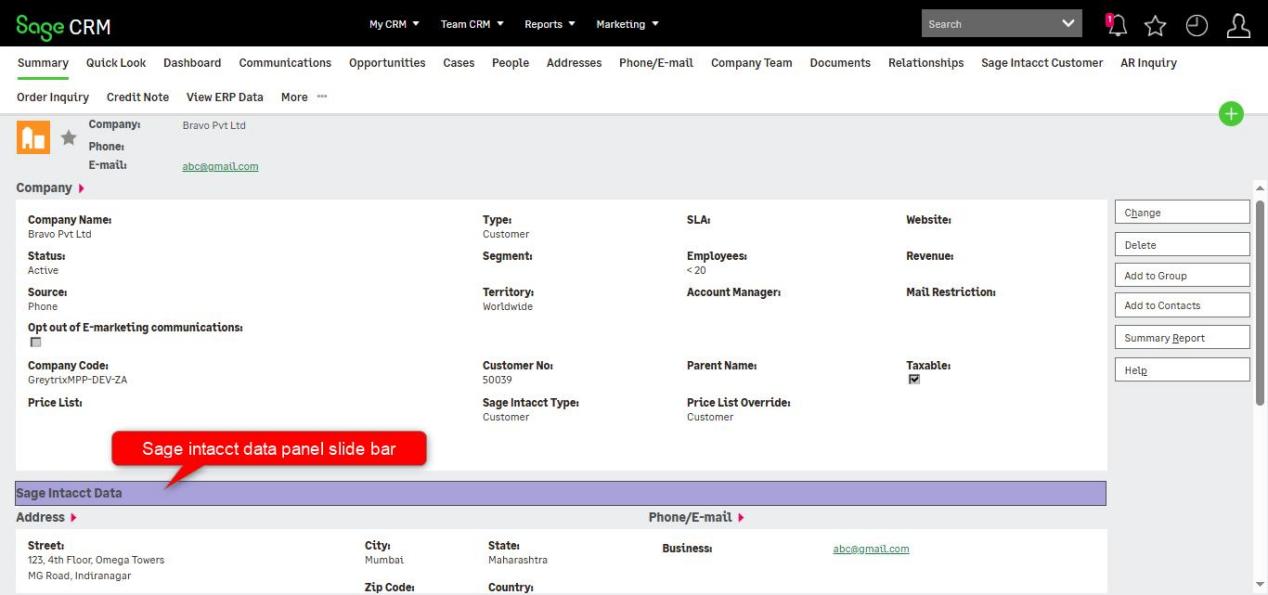
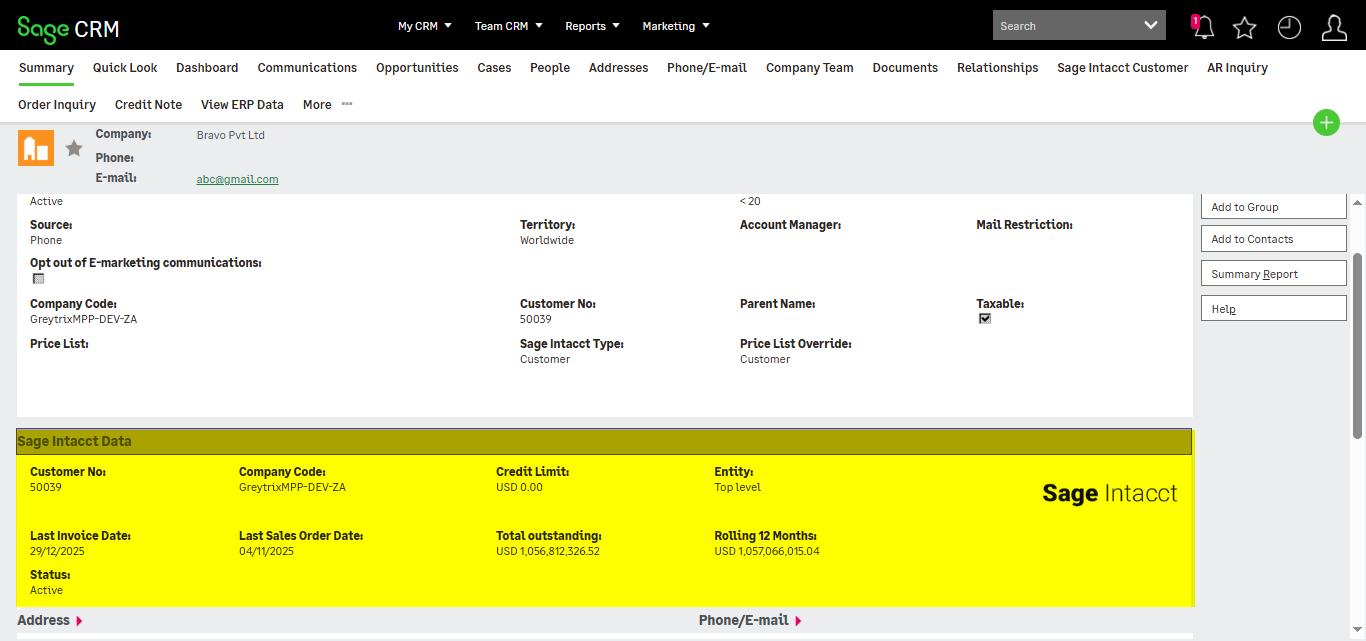
The **Sage Intacct Data** panel on the **Company Summary** screen displays key ERP Sales information with a collapsible slide bar feature on it. Users can expand or hide the panel as required, keeping the Sage CRM interface clean while still providing quick, on-demand access to critical ERP data from Sage Intacct. The data displayed is read only and included in the product for viewing purposes which can be synchronized using either **Import Custom Fields** or **Windows Scheduler**–based synchronization.