# Linking existing Sage CRM Customers with Sage X3 Customer
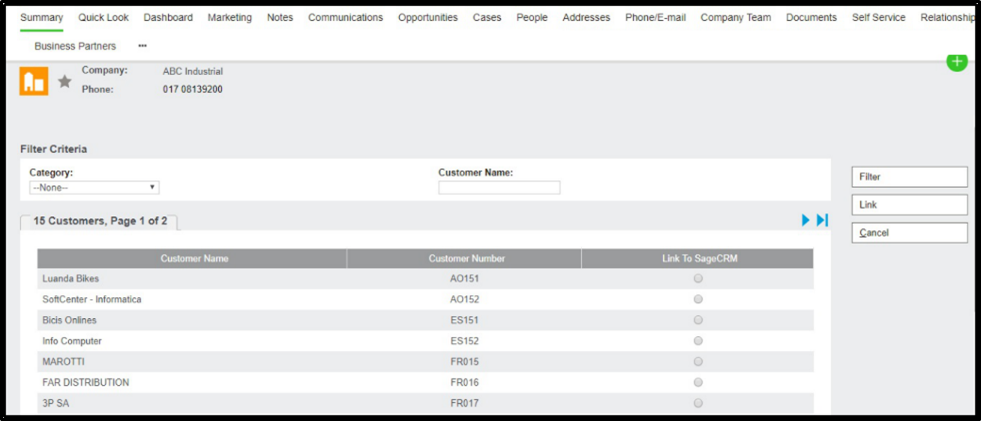
If the User wants to link CRM Company with existing Sage X3 Customers, he can use the link customer functionality:
1. Create a new company in Sage CRM.
2. Fill in all the details in the Company summary screen along with the value in the Folder Name and Category field.
3. Click on the Link Customer button.
* It will navigate you to a new window where there will be a list of customers. Please note that these customers are present in Sage X3 but are not present in CRM.
* Select a Customer and click on the Link button